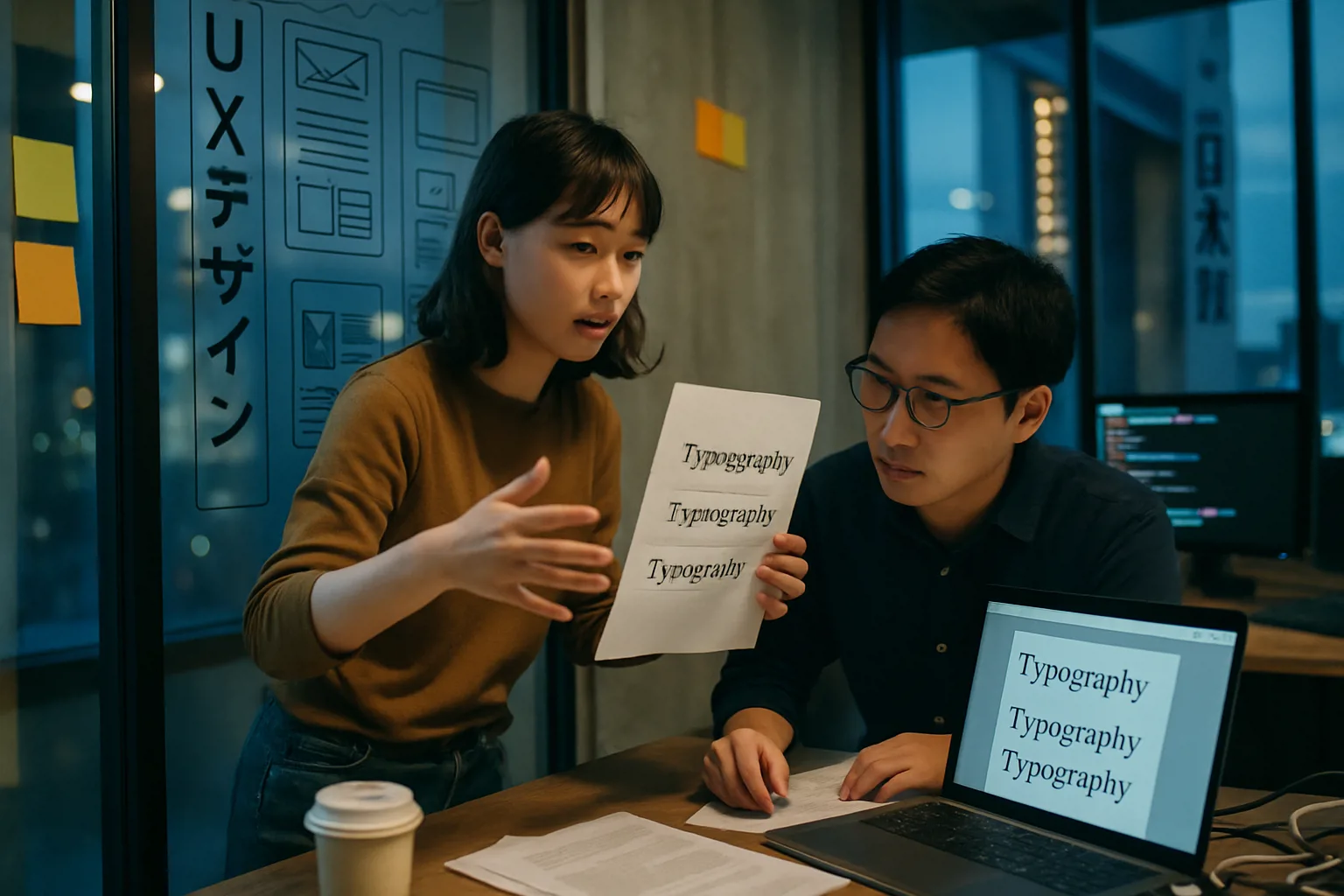
The CSS writing-mode property lets you control the direction and flow of text on your site, enabling layouts for international scripts and creative designs. Unlock new possibilities for global reach and modern aesthetics by understanding how writing-mode works alongside logical CSS properties.
- CSS writing-mode enables horizontal and vertical text layouts for global and creative web design.
- Values like horizontal-tb, vertical-rl, and vertical-lr support both Western and Asian writing systems.
- Integrating writing-mode with logical properties ensures responsive, adaptable layouts.
- Most modern browsers support writing-mode, but cross-browser testing is still essential.
- Businesses benefit from improved accessibility, internationalization, and visually striking site layouts.
The way text flows on a website is fundamental to both its readability and its visual impact. With CSS's writing-mode property, designers and developers can move beyond conventional left-to-right layouts, embracing vertical text and multidirectional flows that support international scripts and bold, modern aesthetics.
What Is Writing-Mode and Why Does It Matter?
The writing-mode property in CSS determines whether text is laid out horizontally or vertically and how blocks and lines progress across the page. While its primary use is to support languages like Chinese, Japanese, and Korean (CJK) that are often written vertically, writing-mode also empowers unique, eye-catching designs in any language.
Here’s why writing-mode is such a game-changer:
- Internationalization: Build sites that respect native writing systems, crucial for global audiences.
- Design Flexibility: Break out of the standard horizontal mold to create magazine-style layouts or innovative navigation.
- Accessibility: Present content in a way that matches user expectations, improving comprehension.
“Writing-mode is the key to making the web truly multilingual and visually dynamic.”
Writing-Mode Values Explained: Horizontal and Vertical Text Flows
The power of writing-mode comes from its versatile set of values. Understanding how each value works lets you deliver the right experience for every audience and design need:
| Value | Text Flow | Use Case |
|---|---|---|
| horizontal-tb | Left to right, top to bottom | Default for most Western languages |
| vertical-rl | Top to bottom, right to left | CJK languages, vertical signage |
| vertical-lr | Top to bottom, left to right | Vertical navigation, creative headings |
Practical Example
- To make a heading flow vertically from top to bottom, right to left:
.vertical-rl {
  writing-mode: vertical-rl;
}
Beyond East Asian Scripts
While essential for East Asian scripts, writing-mode can be used creatively for pull quotes, sidebar labels, or artistic headings in any language, expanding your design toolkit.
Integrating Writing-Mode with CSS Logical Properties
When you change the text flow with writing-mode, the block and inline axes of your layout shift. Enter CSS logical properties: these adapt automatically to the writing direction, ensuring your margins, borders, and sizing stay consistent and intuitive.
- border-block: Applies borders along the block (main text) direction, adapting if the text runs vertically or horizontally.
- margin-block: Sets vertical (or blockwise) margins, which flip direction with writing-mode changes.
- block-size: Specifies an element's size along the block axis—height for horizontal mode, width for vertical.
Using logical properties alongside writing-mode ensures your site is responsive to both language and layout.
Fine-Tuning: Text-Orientation and Real-World Examples
When you set text vertically, you may notice that some scripts (especially Latin letters or numbers) don’t always rotate as you expect. Enter text-orientation: this property lets you control whether characters remain upright or rotate to match the flow.
- mixed: Default; CJK characters stay upright, Latin rotates.
- upright: All characters remain upright, perfect for mixed-language vertical layouts.
Real-World Uses
- Vertical navigation menus for a modern, streamlined UI.
- Magazine-style side captions that require vertical text alignment.
- Internationalized web apps supporting right-to-left or vertical writing for global users.
Browser Support: Modern, But Test Thoroughly
Most modern browsers—including Chrome, Firefox, Safari, and Edge—now support writing-mode and its related logical properties. However, subtle differences in rendering or older browser versions can still cause issues, especially with complex layouts. Always:
- Test your designs across browsers and devices.
- Check for fallback behavior in legacy browsers.
- Use vendor prefixes only if you encounter issues in specific environments.
Business Value: International Reach and Distinctive User Experiences
Embracing writing-mode isn’t just a technical upgrade—it’s a strategic move for business growth. By supporting multilingual layouts and unique vertical text, your site can:
- Expand to new global markets by accommodating native writing systems.
- Enhance brand identity with bold, sophisticated design choices.
- Improve accessibility and usability for diverse audiences.
Ready to future-proof your website and stand out in a crowded digital landscape? Explore how advanced CSS layout techniques like writing-mode can transform your next project.
Frequently Asked Questions
Can I use writing-mode for English text, or is it only for Asian scripts?
Absolutely! While writing-mode is essential for vertical Asian scripts, it can be creatively used for English and other Western languages—think vertical navigation, artistic headings, or side captions.
Does writing-mode work on all browsers?
Most modern browsers support writing-mode, but it's best to test your designs to ensure consistent rendering, especially for complex layouts or on older browsers.
How does writing-mode interact with CSS logical properties?
When you change writing-mode, logical properties like margin-block or block-size adapt automatically to the new text direction, ensuring your layout remains responsive and intuitive.